
Film stocks
Print stocks built from published film data sheets, not copied LUTs. Pick one and the color, contrast and highlight roll-off follow.
Add one node to your LOG footage, pick a film stock, and get a finished film look: color, contrast, grain and halation together. Then adjust any of it to taste.
Apple Silicon Macs · DaVinci Resolve 21 · Windows in development
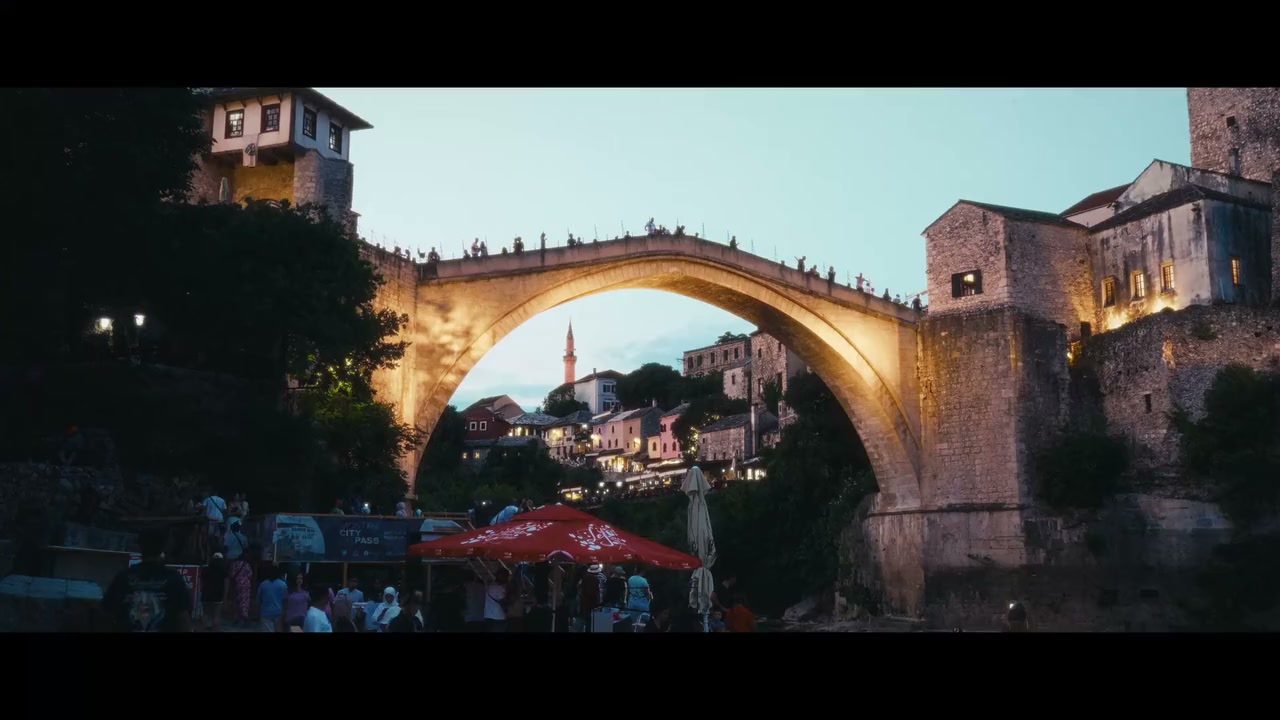 Original LOGMostGrade
Drag to discover the difference.
Drag to compare. Original LOG on the left, graded with MostGrade on the right.
What’s inside
Everything a film look is made of, in the order film does it, with a control for each part.
Print stocks built from published film data sheets, not copied LUTs. Pick one and the color, contrast and highlight roll-off follow.
Grain sized to the format, from Super 8 to 70mm, with halation, bloom and softness you can dial in or switch off.
Exposure, white balance, contrast and color density, plus a Skin Guide overlay that shows when skin drifts green or magenta.
Start from a film stock, make it yours, and share it in Community Looks.
Inside your color workflow
Work on Resolve’s Color page. Add the plugin as one node on your LOG footage.
Sony, Panasonic, ARRI, Blackmagic and DJI LOG are built in. Any other camera comes in through a Resolve CST.
Color, contrast and grain land together, rendered the way print film would.
Balance the shot, set the grain and halation, and render. No LUT or CST needed after it.
Why I’m building this
A LUT gets you a look, then fights you on every shot. An eight-node tree gives you control, but it takes an evening to build. I’m building MostGrade for the space in between: the film look I reach for on my own work, in one node, with every part of it adjustable.
Where it’s at
Private beta on Apple Silicon Macs with Resolve 21. Testers are invited in small groups, from the waitlist.
Be first to use it
The beta opens in small groups and the waitlist hears first. You’ll also get the founding price before public launch.
Already invited?
Before your first grade
A film emulation plugin (OpenFX) for DaVinci Resolve. It turns LOG footage into a finished film look in one node on the Color page.
Beta invites as groups open, development updates and the founding price. It’s free and doesn’t create an account.
An Apple Silicon Mac and DaVinci Resolve 21 Studio. Resolve Free, Resolve 20, Intel Macs and Windows are still being tested, so we can’t promise them yet.
Built in: Sony S-Log3, Panasonic V-Log, ARRI LogC4, ARRI LogC3 (EI 800), Blackmagic Film Gen 5, DJI D-Log and D-Log M. Apple Log, Canon Log, F-Log, N-Log, RED and others work through a Resolve CST.
You’ll be able to choose: a one-time perpetual license or a subscription. Prices and terms are published before checkout opens.
Commercial-use terms come with the paid license and are published before checkout opens. The beta is test software, so work on copies of your projects.
No date or price yet. The waitlist hears first and gets the founding price.
For the image you have in mind