Film emulation for DaVinci Resolve
From LOG
to film color.
Film color, grain and halation (the warm glow around bright highlights) from your LOG footage, in one adjustable Resolve node.
Apple Silicon Mac · DaVinci Resolve 21 Studio
MostGradeMostar · graded with MostGrade01 / Mostar
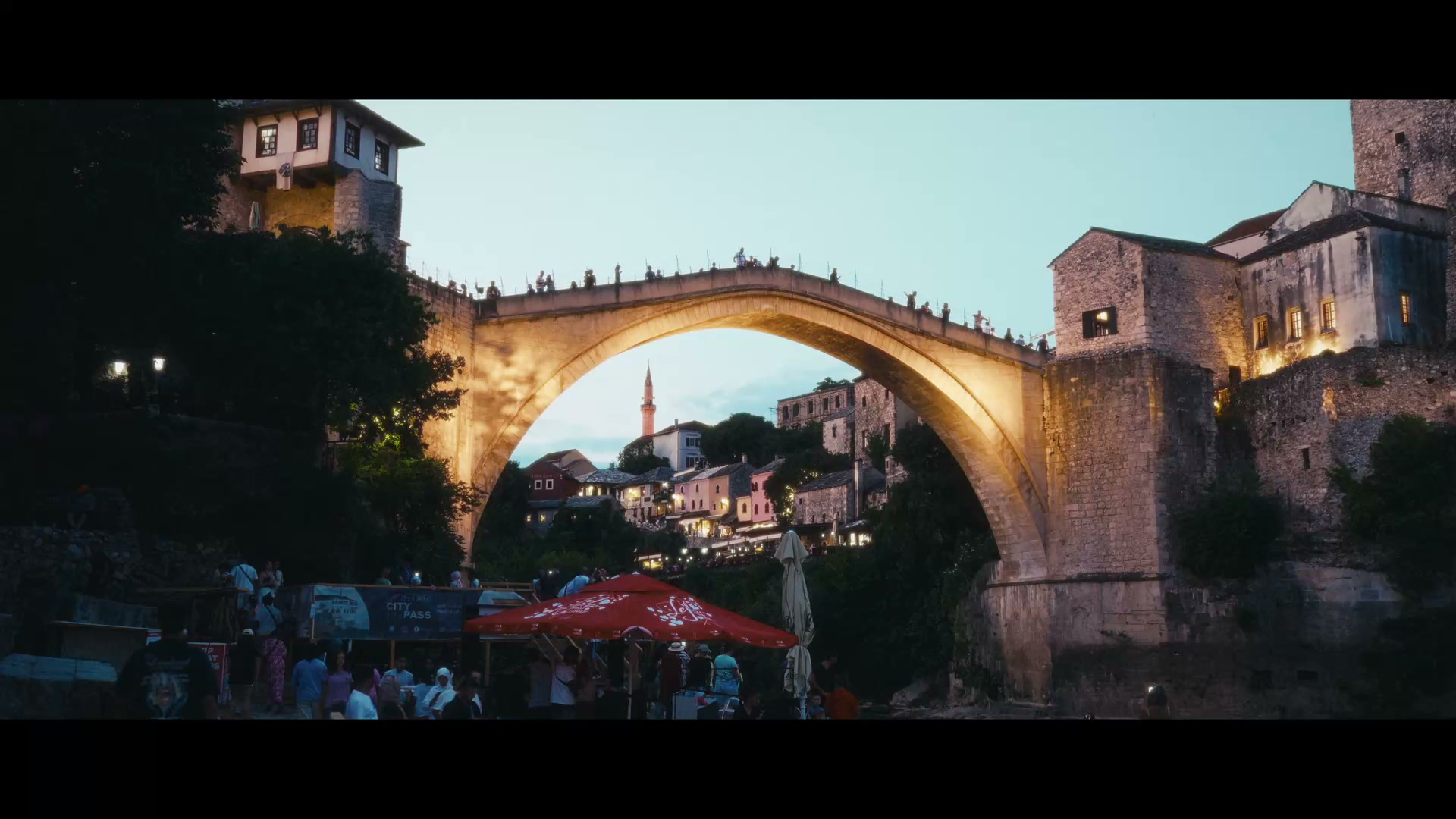 Original LOGMostGrade

Drag to discover the difference.
← MostGradeFrom LOG to feeling00:10
An eye for the everyday.
Drag to compare. Original LOG on the left, graded with MostGrade on the right.
Inside your color workflow
Three steps.
Then it’s yours.
- 01
Choose your camera profile.
Sony, Panasonic, ARRI, Blackmagic and DJI LOG are built in.
- 02
Pick a film look.
Color, contrast and grain land together, the way print film would.
- 03
Adjust color, grain and glow.
Then render in Rec.709. No LUT or CST needed after it.
Before and after
Every clip, from LOG.
Drag across the frame to see the S-Log3 original under the grade. Pick any clip below.
MostGradeGraded with MostGrade01 / 13
 Original LOGMostGrade

Drag to discover the difference.
← Original LOGFrom LOG to feelingMostGrade →
What’s inside
A whole film pipeline.
In one node.
Grain, halation and bloom sized to 16mm, 35mm or 70mm, each adjustable.
Exposure, white balance, contrast and a Skin Guide that shows when skin drifts.
Make it yours
Founding prices
Paid licences open after the private beta. Waitlist members hear first and get founding prices. Join the waitlist
I’m Nihad, a filmmaker from Mostar. I’m building MostGrade for the film look I use in my own work, with every part adjustable.
Join the waitlist.
Get updates on beta openings and founding prices. Testers are invited from the waitlist in small groups.
Already invited?
Before your first grade
A few useful details.
What is MostGrade?
A film emulation plugin (OpenFX) for DaVinci Resolve. It turns LOG footage into a finished film look in one node on the Color page.
What do I need?
An Apple Silicon Mac and DaVinci Resolve 21 Studio. Resolve Free, Intel Macs and Windows aren’t supported yet.
Which cameras work?
Built in: Sony S-Log3, Panasonic V-Log, ARRI LogC4, ARRI LogC3 (EI 800), Blackmagic Film Gen 5, DJI D-Log and D-Log M. Apple Log, Canon Log, F-Log, N-Log, RED and others work through a Resolve CST.
Is it a subscription?
Your choice: a one-time perpetual license you keep, or a monthly or yearly subscription you can cancel any time.
Will it work on Windows?
Windows is in development, with no release date. If we release it, a MostGrade license will cover it at no extra cost and share the two-computer limit.
Can I use it on client work?
Yes. A paid or complimentary license covers personal, commercial and client work. We claim no ownership of your renders or grades, and you can share or sell LUTs you make from your own grades with MostGrade. You remain responsible for rights in footage, presets or other material someone else supplied.
What do I get by joining the waitlist?
Email updates on beta openings, development and launch pricing. Joining is free and doesn’t create an account or guarantee a beta invite.